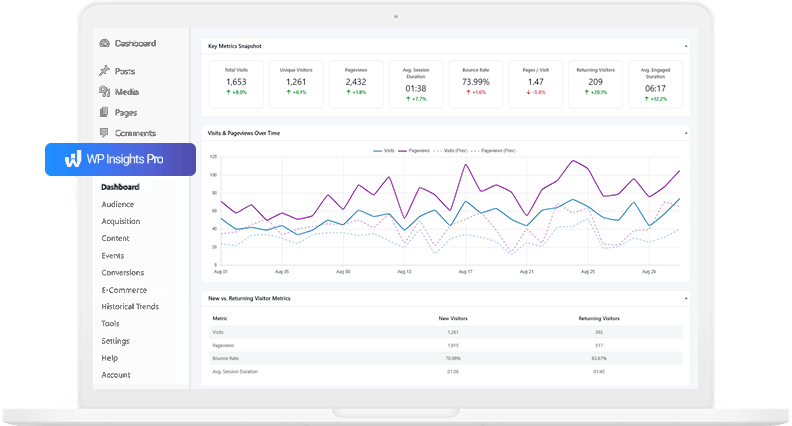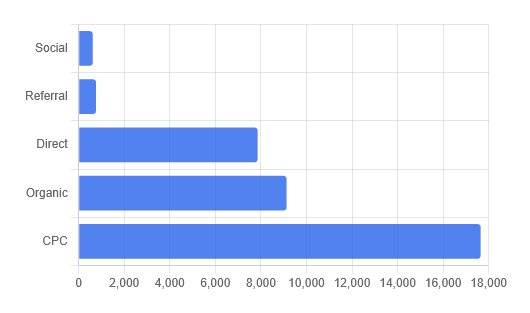

How to Export Professional Analytics Reports Directly from WordPress
If you manage websites for clients, collecting the data is only half the job. The other half is communicating those results effectively.
Sharing analytics data often involves a familiar routine: logging into an analytics platform, taking screenshots of charts and tables, arranging them into a document or presentation, and making everything look presentable before sending it to a client or stakeholder. The data itself is valuable, but preparing this kind of WordPress client reporting often takes much longer than expected.
With WP Insights Pro 1.2.0, we wanted to simplify this part of the workflow.
This release introduces one-click PDF export, allowing you to generate clean, shareable reports directly from your WordPress dashboard. For agencies, freelancers, and consultants, optional white-label branding makes it easy to present exported reports with their own company identity.
Export Any Report with One Click
PDF export is available throughout WP Insights Pro.
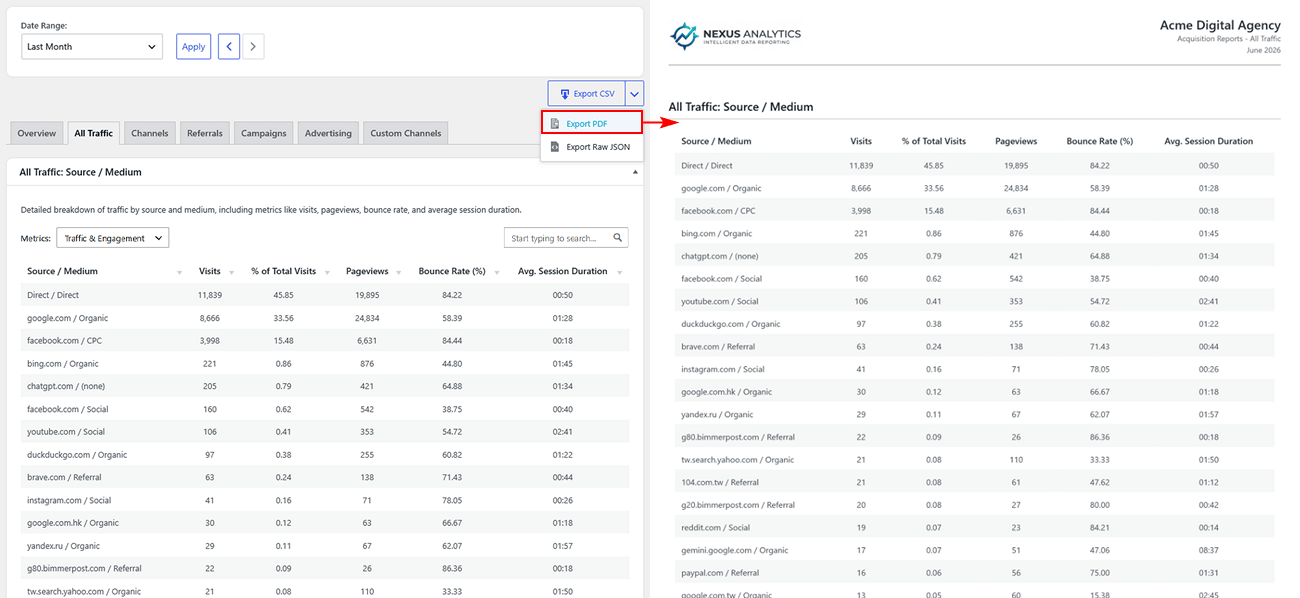
Whether you’re viewing the Dashboard Overview, Audience reports, Acquisition reports, Content reports, Events, Conversions, or Historical Trends, every report can be exported using exactly the same workflow. Simply click the Export button and choose PDF.
The plugin generates a paginated document containing the charts, scorecards, and tables currently displayed on screen.
If you prefer working with raw data, the existing CSV and JSON export options remain available exactly as before.
Agency Branding
Many users simply need a PDF copy of their analytics. Others regularly send reports to clients and prefer them to reflect their own company identity rather than the plugin itself.
To support agencies that need branded client reports, version 1.2.0 introduces a new Agency Branding section in the settings.
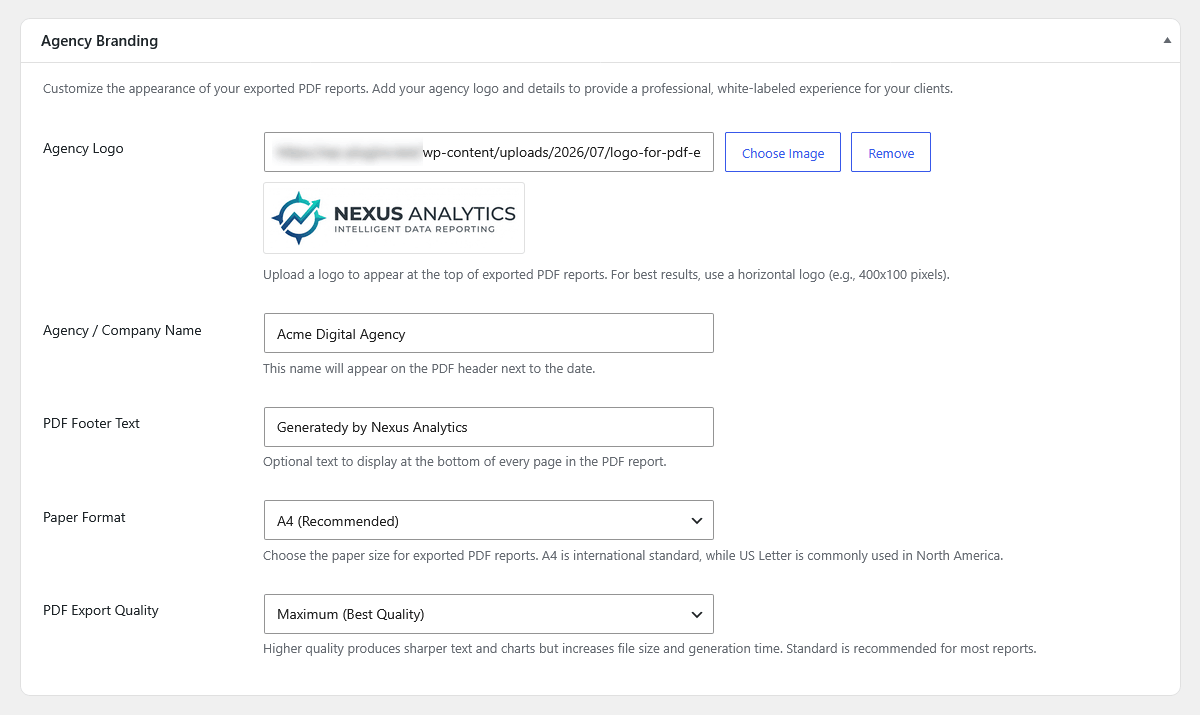
Before exporting reports, you can configure a few global options:
- Agency Logo – Upload your company logo using the standard WordPress media library.
- Agency / Company Name – Display your business name in the report header alongside the report date.
- PDF Footer Text – Add copyright information, website URLs, confidentiality notices, or any custom footer text.
- Paper Format – Choose between A4 and US Letter.
- PDF Export Quality – Select the quality level that best balances visual sharpness and file size.
Once configured, these settings are automatically applied to every exported PDF.
A Different Approach to PDF Generation
Generating PDFs inside WordPress has traditionally been more challenging than it sounds.
Many plugins rely on server-side PHP libraries to render HTML into PDF documents. While these libraries work well for simpler documents, large reports containing multiple charts and long tables can consume considerable memory and processing time during generation. On some hosting environments, especially shared hosting, these resource requirements can become a limitation.
WP Insights Pro takes a different approach.
Instead of generating PDFs on the server, reports are rendered directly inside your browser using modern client-side rendering technologies. The finished document is then downloaded immediately to your computer. This means the export process requires minimal server resources while still producing high-quality, multi-page reports containing complex charts and large data tables.
The approach reflects the philosophy behind WP Insights Pro: keeping your server focused on running your website, while your browser handles the final rendering process.
Looking Ahead
PDF export is another step toward making WP Insights Pro a more complete analytics and reporting solution for WordPress.
Instead of moving between different platforms to collect data, build presentations, and prepare client reports, you can now generate professional documents directly from the same dashboard where you analyze your traffic.
If you’re already using WP Insights Pro, simply update to version 1.2.0 to start exporting reports. If you are looking for a faster, more streamlined way to handle your analytics, you can explore our pricing plans.
As always, we’d love to hear your feedback and suggestions for future improvements.
Ready for Zero-Bloat Analytics?